

LLMs have gotten 'smarter' at an astronomical rate, driven largely by one metric: context window size. This is how much data an LLM can effectively 'think' about at once. What was once a ceiling of 16,385 tokens for models like GPT-3.5 is now routinely measured in the hundreds of thousands—with some models, like those from Gemini, offering context windows of 1 million tokens or more.
This context window revolution has profound implications for building sophisticated voice agents. When an agent needs access to a massive knowledge base or is expected to complete a long, multi-step list of tasks, a large context window seems like the ultimate solution.
The Illusion of the Gigantic System Prompt
The knee-jerk reaction for many developers is to lean on this new capacity: write a colossal system prompt, dump in every possible instruction, define every potential action (function call), and trust the LLM to figure it out. And for simple, constrained conversations, this often works surprisingly well.
But anyone who has managed a complex process—like call center operations, for example—knows that simply providing access to everything is not the same as providing guidance. You cannot put a new employee in a room with the entire company manual and expect them to be immediately fluent and mistake-free.
LLMs are no different. Even with context windows larger than a novel, they are susceptible to "context rot," where instructions or important data from earlier in the history start to be ignored. When a conversation gets long or complex, the LLM loses its way, confusing tasks or prematurely exiting a workflow.
The Developer's Toolkit: Context vs. Control
When building voice agents, developers fundamentally rely on two tools to control the LLM's behavior:
- Prompts: How we whisper instructions and knowledge into the agent's mind.
- Function Calls: The buttons we give the LLM that allow it to take action (like booking a reservation or looking up a customer ID).
For basic workflows, you define these once at the start. But complexity demands dynamic control. For example, you may need:
- Gated Access: Only making certain high-value tools (e.g., a "Make Payment" function) available after explicit identity verification.
- Structured Progression: Ensuring a user confirms an order before moving to the shipping details.
- Branching Conversations: Executing two entirely different interaction paths based on a user's single, critical answer.
In these cases, you need a way to dynamically adjust what the bot knows (by editing or appending system prompt information) and what it can do (by changing the available function calls) based on the state of the conversation.
Pipecat Flows: A Framework for Structured Conversation
This is the exact problem that Pipecat Flows solves.
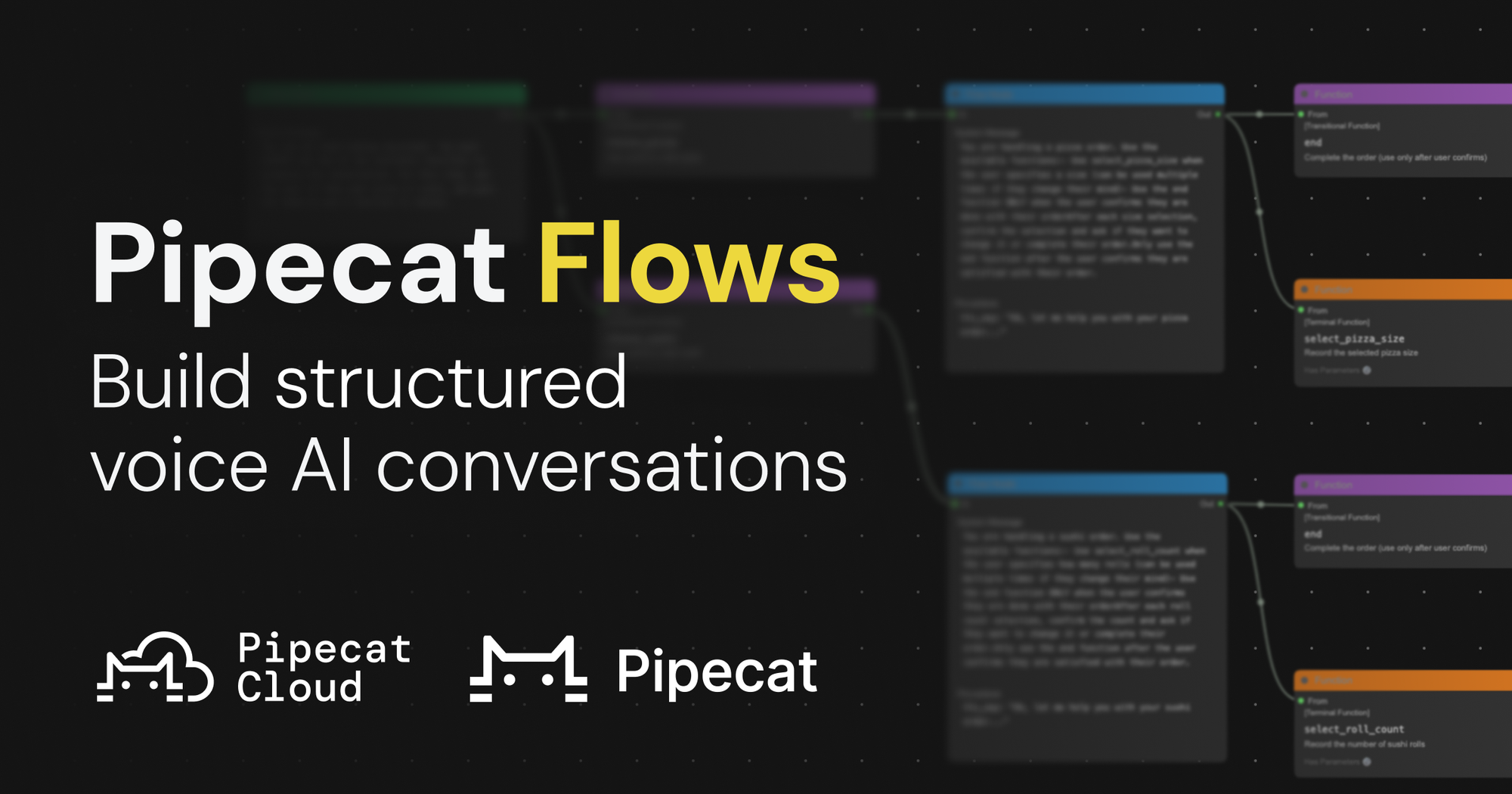
Pipecat Flows is an add-on framework for Pipecat that allows you to build structured conversations in your voice AI applications.
Pipecat is a 100% open source and vendor neutral framework for voice agents, providing functionality like ultra low latency orchestration, flexible model use, native telephony support, enterprise data store integration, and more.
Pipecat Flows acts as the necessary layer of control and logic that sits outside the context window, guiding the LLM step-by-step.
By enabling you to create both predefined conversation paths and dynamically generated flows, Pipecat Flows handles the critical complexities of state management and LLM interactions that a massive context window simply cannot. It acts as guardrails, keeping the LLM focused on the task at hand. It allows for creative and flexible LLM responses while preventing fully open-ended conversations.
Pipecat Flows is useful in many contexts. Here are a few examples:
- Food ordering: The agent accepts the order, then confirms the delivery address, then verifies payment.
- Enterprise healthcare workflows, like patient intake: The agent starts by confirming the patient's identity. Then it asks for a list of the patient's current prescriptions, asking clarifying questions (such as dosage information) as necessary until the list is complete. Then, it moves through the rest of the intake process.
- Hotel reservation: The agent asks for the booking date and confirms availability with a back-end system. Then, it asks about room type and other preferences.
The Pipecat Flows repo has more information on how to build flows. There’s a visual editor to quickly build out predefined conversation paths. There’s also a full-featured API for building dynamically generated flows in code.
Knowing When to Adopt Structure
Given how capable modern models are, how do you know if you need to adopt a structured framework like Pipecat Flows?
While a simple agent might run perfectly fine without it, scope creep is inevitable. As you add more features, functions, and complexity, relying solely on the LLM's raw context will lead to failure.
The key is to integrate evals (evaluations) into your development process early. Use these evaluations to objectively characterize how reliably your agent completes expected tasks. Once you observe certain kinds of conversations consistently "going off the rails," that is your cue.
Pipecat Flows is designed to make that gradual transition possible, allowing you to move from an unstructured, LLM-driven conversation to one managed by explicit, reliable steps, ensuring your voice agent remains scalable, maintainable, and most importantly, trustworthy.
Never miss a story
Get the latest direct to your inbox.