

We recently got our hands on an NVIDIA DGX Spark™: a tiny, desktop device designed for AI inference and training.
The Spark’s architecture differs from a typical AI workstation, with 128GB of unified memory shared between its Arm CPU and its NVIDIA Blackwell CUDA cores.
Because of this, we wanted to find out whether we could train our open-source Smart Turn model on the device, and if so, how does the experience compare to running training with a traditional GPU?
What is the DGX Spark?
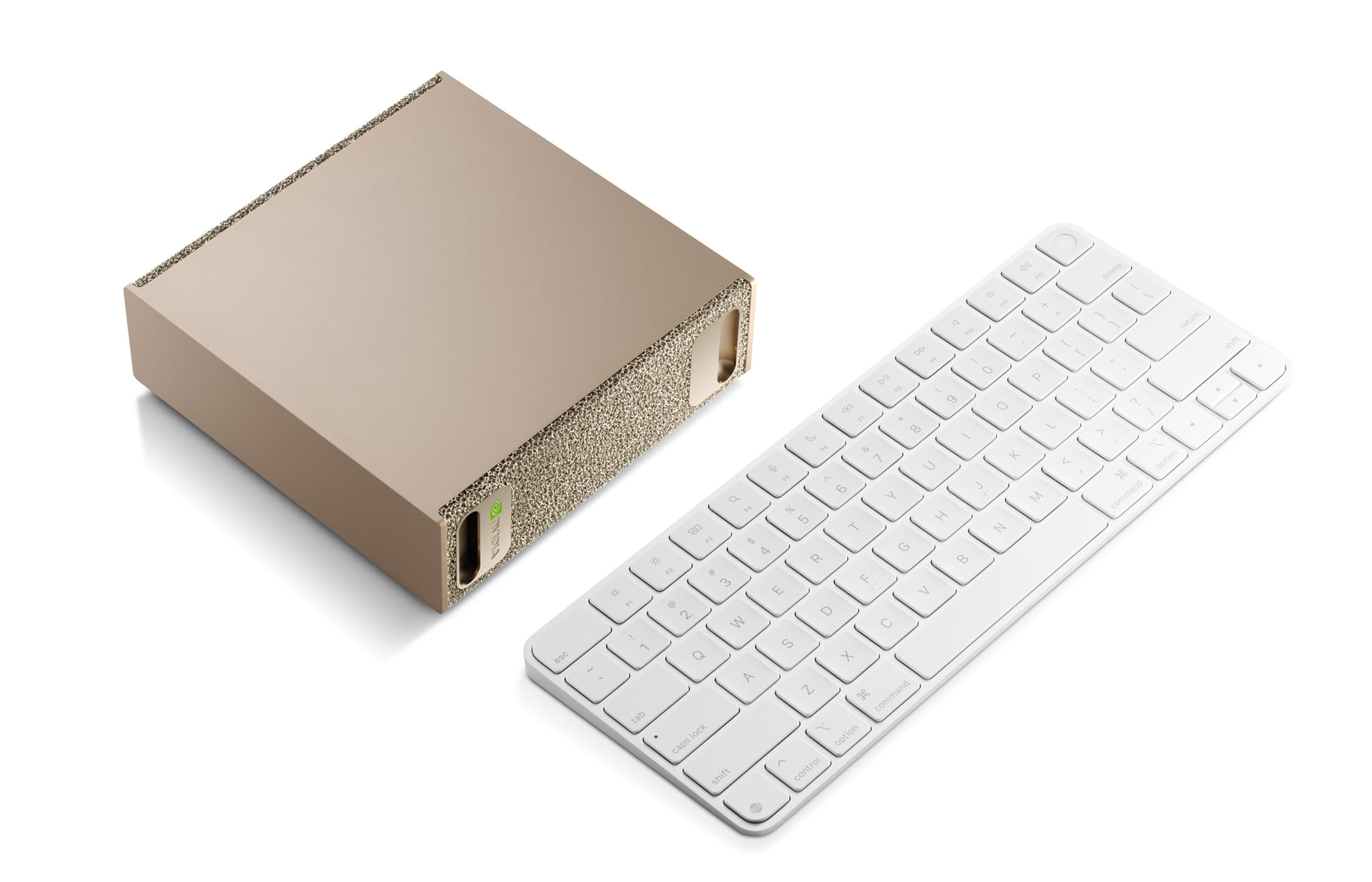
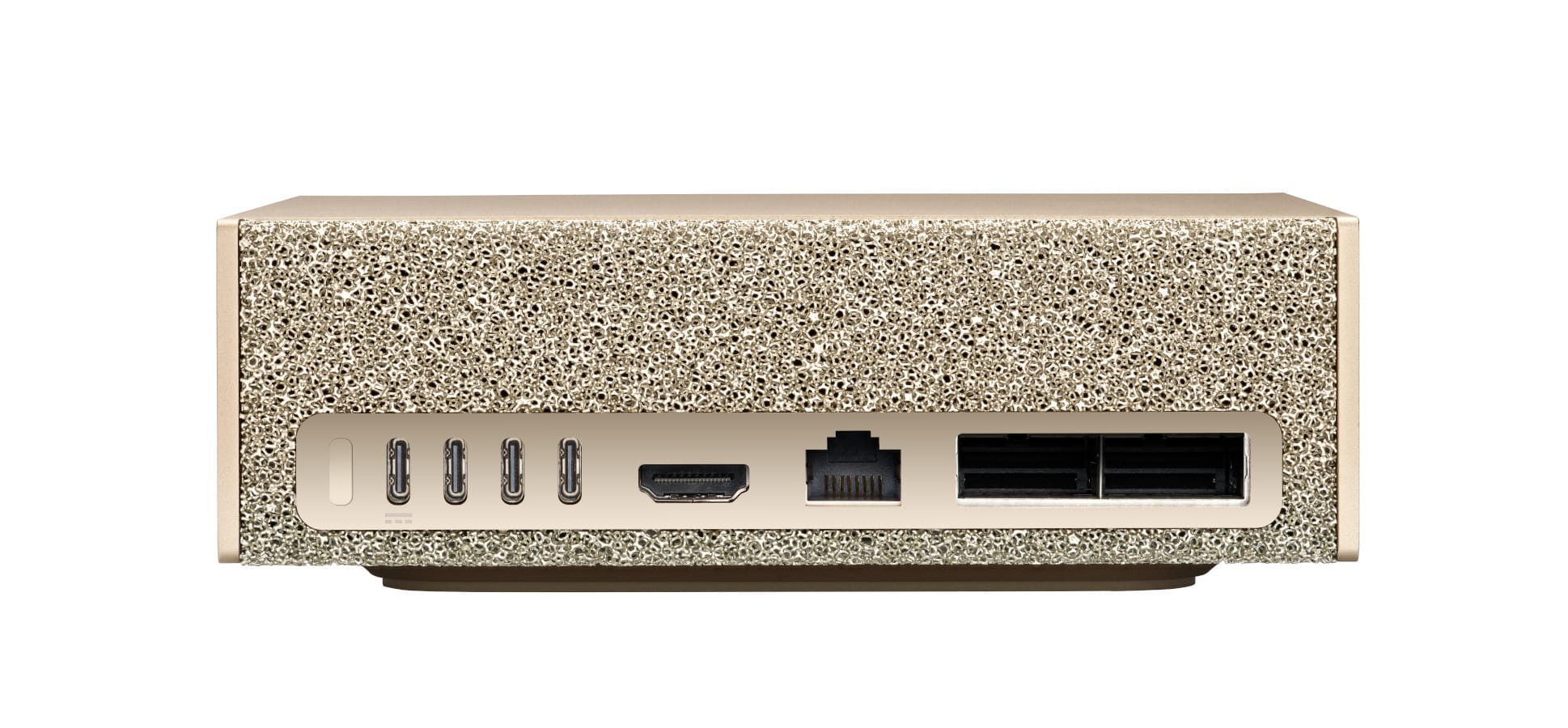
NVIDIA describes the Spark as a compact “AI supercomputer”, built around the NVIDIA GB10 Grace™ Blackwell Superchip.
“Grace” refers to the CPU, a 20-core Arm processor, and “Blackwell” refers to the GPU. The Blackwell architecture is used for NVIDIA’s 50-series consumer GPUs, and its Blackwell datacenter GPUs.
The standout feature here is 128GB of unified memory, which lets you work with much larger models than would fit inside a typical consumer GPU.
- 20-core Arm CPU
- Blackwell GPU
- 128GB unified memory
- 4TB NVMe storage
- NVIDIA AI Software Stack preinstalled
- Dimensions: 15cm x 15cm x 5cm
What is Smart Turn?
If you use the Pipecat framework for voice AI, you may already have heard of our Smart Turn model. It’s fully open-source, and designed to let an AI voice agent know when the user has finished talking.
Smart Turn analyzes the raw audio data coming from the user, listening to the intonation and pacing of their voice, and the words they use, to make an accurate determination about whether it’s safe for the agent to respond without interrupting them.
The model is trained using PyTorch — we’ve released the full training code and datasets on GitHub, so if you have a DGX Spark at home, you can follow along.
Getting set up
We used NVIDIA’s PyTorch container for the training. Start it running as follows:
docker run --ipc=host --gpus all -it --name smart_turn_training nvcr.io/nvidia/pytorch:25.12-py3
The --ipc=host argument allows the dataloader processes to communicate — the same result could be achieved by increasing the shared memory size (--shm-size).
Inside the container, get a copy of the Smart Turn training code:
git clone https://github.com/pipecat-ai/smart-turn
cd smart-turn
There are a few dependencies we’ll need to run the training. First is ffmpeg, for loading audio files from the training dataset:
apt update
apt install ffmpeg
We’ll also need to install Smart Turn’s Python dependencies, and also remove a library called apex (which causes conflicts with version of the transformers library we’re using).
Smart Turn provides requirements.txt for x86_64 systems, and requirements_aarch64.txt for Arm systems. Use the Arm version when running on the Spark.
pip install -r requirements_aarch64.txt
pip uninstall apex -y
Arm compatibility
Until now, we’d only trained Smart Turn on x86_64 devices. Many of our library dependencies use native code, and so to run on the Spark’s Arm CPU, they’d need to be compiled specifically for this architecture.
This was true for most libraries, with the notable exception of torchcodec, which at the time of writing doesn’t make aarch64 binaries available:
https://forums.developer.nvidia.com/t/cant-install-torch-torchaudio-torchcodec/348660
However, it turns out that Arm support is available in the form of nightly builds, and we were able to use these by enabling the nightly index (https://download.pytorch.org/whl/nightly/cu130) in our requirements file.
We also needed to pin the library versions to specific builds:
torchvision==0.25.0.dev20260122+cu130
torch==2.11.0.dev20260122
torchaudio==2.11.0.dev20260122
Note that cu130 refers to the supported CUDA version, and you can match these to your system by taking a look at the output of nvidia-smi.
The above changes are already part of requirements_aarch64.txt, so running pip install as described in the above section is sufficient to get the correct versions.
Start training
The training script tracks progress and training stats using Weights & Biases, and it expects the API key WANDB_API_KEY to be set.
Tweak the batch size parameters in train.py (train_batch_size and eval_batch_size) to suit the memory size of the device you’re training on. With the Spark’s 128GB, we were able to set these to 2000.
Run the training script as follows:
python train_local.py --training-run-name=my_training_run
Be prepared for this process to take a while! The script will need to download the Smart Turn training and testing datasets, which are around 45GB together.
Performance
Training the model took around an hour on the Spark, roughly in line with what we see on datacenter GPUs such as NVIDIA’s L4, and also comparable to running the same job locally on a consumer GPU such as an RTX 5060 Ti.
| Device | Memory | Batch size | Runtime |
|---|---|---|---|
| NVIDIA DGX Spark | 128GB | 2000 | 61 minutes |
| NVIDIA RTX 5060 Ti | 16GB | 256 | 53 minutes |
| NVIDIA L4 | 24GB | 384 | 79 minutes |
Where the Spark really starts to differentiate itself is how it pairs that level of throughput with 128GB of unified memory. That extra headroom doesn’t necessarily make a small model train faster, but it does expand what you can fit comfortably: larger models, longer sequence lengths, and more demanding training configurations.
Smart Turn is a tiny 8M parameter model, so we’re nowhere near memory-limited on most devices. In this case, we used the available memory to our advantage by dialling up the batch size.
Conclusion
The DGX Spark is an interesting device, and we were pleased that our existing training scripts worked with minimal changes. Once the torchcodec aarch64 binaries are released as stable, the process will be simplified further.
To find out more about Smart Turn, and how you can integrate it with your AI voice agents, see the following links:
And to find out more about the DGX Spark, check out the NVIDIA website:
Never miss a story
Get the latest direct to your inbox.